🎯
Match Center: filter by conditions
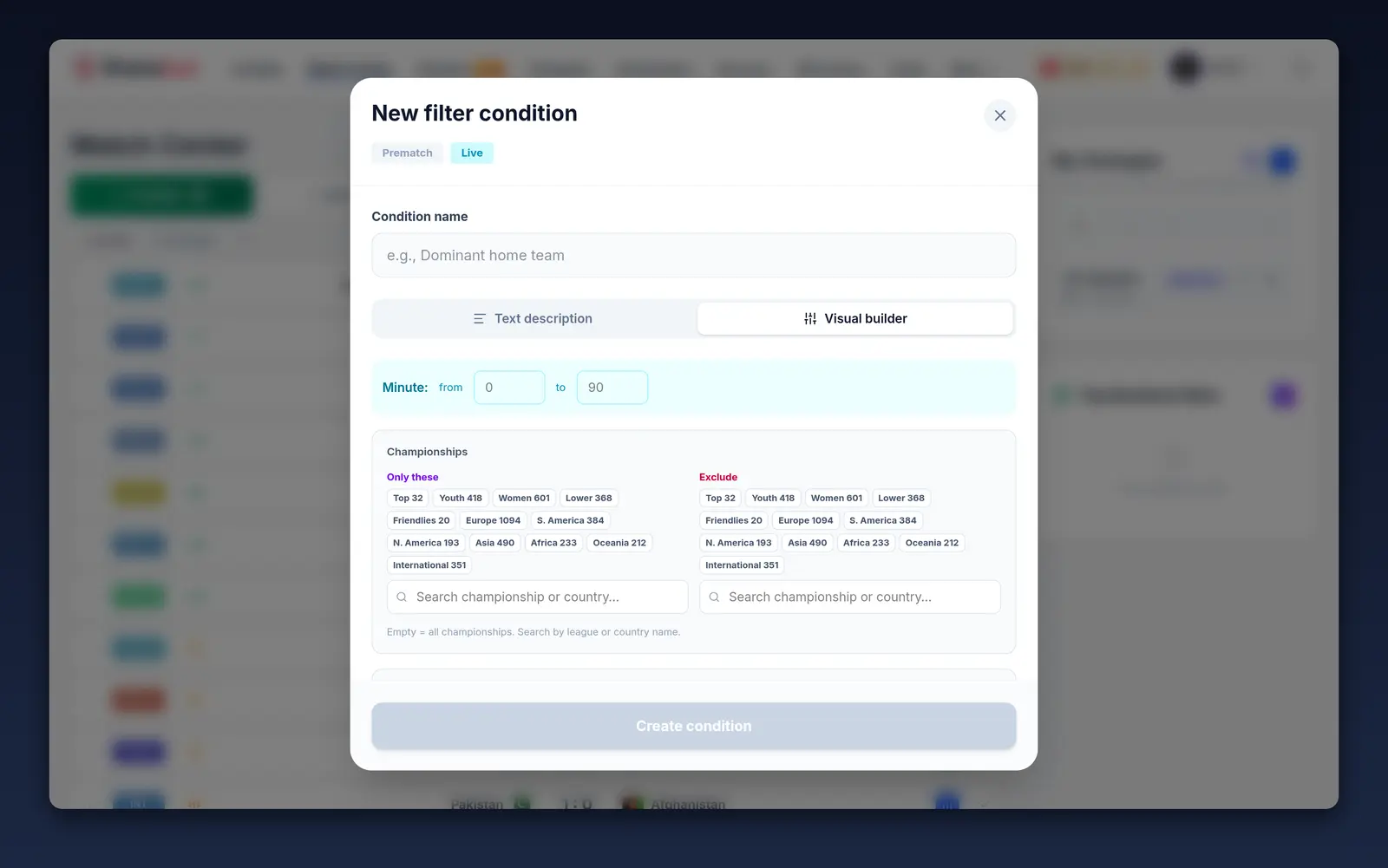
🎯 Filter by conditions: find matches in the exact situation you want, right now
This is the Match Center's "smart" filter. You describe a situation — and the system shows only the matches where it's happening at this very moment. As the games go on, the list updates itself.
Ready-made presets (one click)
Live:
- "Late surge" — after the 70th minute, 6+ dangerous attacks in 5 minutes
- "0:0 under pressure" — the score is 0:0, but 3+ shots on target in 5 minutes
- "Comeback brewing" — a team is losing, but holds 58%+ possession and is shooting on target
- "High xG", "Home/away dominance", "Corners flowing", "Red card — pressure" and others
Pre-match:
- "Favorite in form" (odds < 1.8 and 4+ wins out of 5), "Underdog in form", "High-scoring teams", "ELO edge" and so on
Your own conditions (builder)
If the ready-made ones aren't enough — create your own condition in two ways:
- In words — describe it in plain language: "after the 60th minute, if the home team's possession is over 60%", and the AI translates that into a condition itself
- Visually — pick a metric (possession, shots, shots on target, dangerous attacks, xG, corners, score, cards, form, ELO, odds), an operator and a value, set the minute range and the leagues you want
Most metrics are computed over "windows" of the last 5 / 10 / 15 minutes — so you can catch both the current moment and the overall stats across the match.
How to use it
- In the Match Center, open the conditions panel.
- Pick a ready-made preset or create your own condition.
- Only the matching matches will remain in the feed.
💡 Presets are free; the number of your own saved conditions is limited on a free account and unlimited on Premium.